You only need one photo to create a personalized book with Little Life Chapters. One. That's it.
But the difference between a good photo and a great one can be the difference between illustrations that make your child gasp and ones that make them squint and say, "Is that supposed to be me?"
Here's everything we've learned about what makes a photo work beautifully with our illustration system, so your child's storybook character looks exactly like them.
The Single Most Important Thing: A Clear View of Their Face
Our system studies your child's facial features, their eyes, nose, smile, skin tone, hair, and translates those into illustrated form throughout the entire book. The better it can see their face, the better the result.
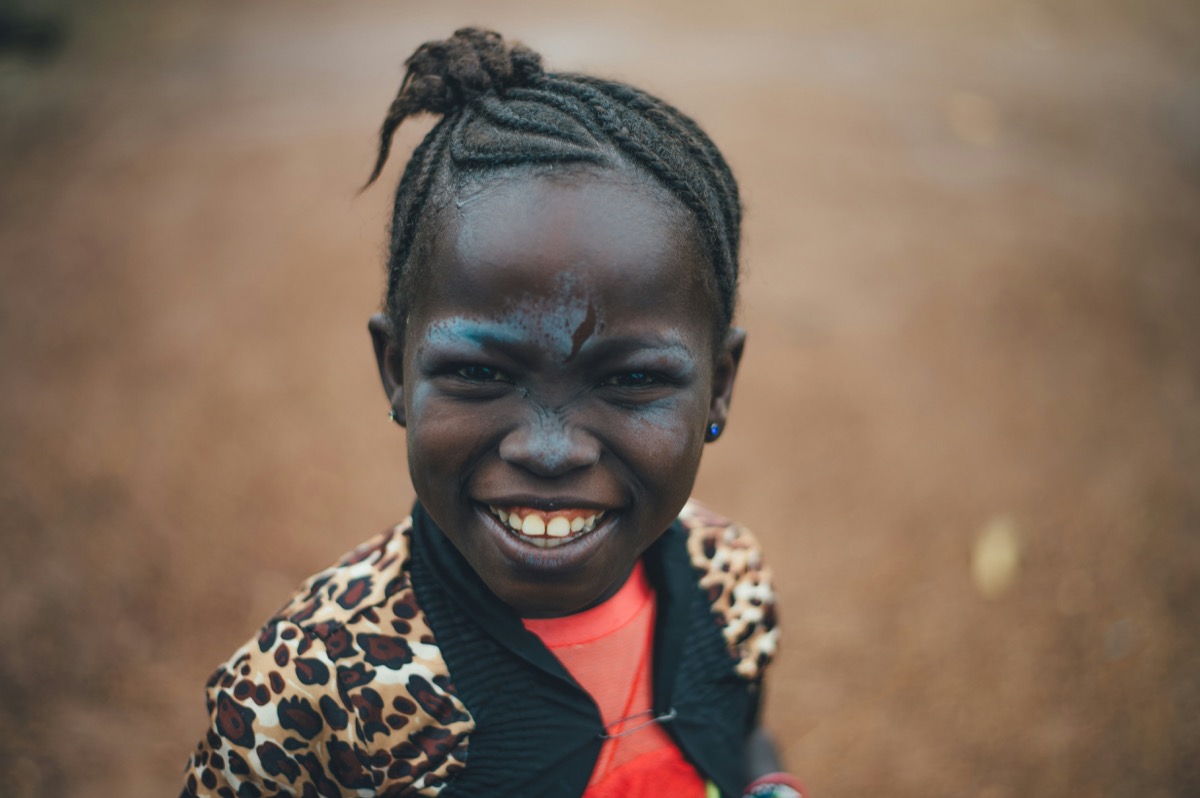
A front-facing photo gives the best results. Think of the kind of photo you'd use as a profile picture: your child looking more or less toward the camera, with their full face visible.

That said, profile shots and angled photos can work too. If the only great photo you have is your daughter mid-laugh looking slightly to the side, use it. A joyful angled photo will often produce better results than a stiff, forced front-facing one.
The quick test: Can you clearly see both of their eyes? You're good to go.
Lighting Makes or Breaks It
You don't need professional lighting. You need to avoid bad lighting.
What works well:
- Natural daylight, near a window, outside on a cloudy day, or in open shade
- Even lighting across the face, no harsh shadows cutting across one side
- Indoor lighting that's bright enough to see detail clearly
What to avoid:
- Backlighting (child in front of a bright window, face in shadow)
- Direct overhead sunlight (creates dark eye sockets and harsh nose shadows)
- Very dim or yellow-tinted indoor lighting

The goal is simple: the photo should look the way your child actually looks. If you can see their natural coloring and features clearly, the system can too.
Watch Out for Accessories
Here's something parents are often surprised by: if your child is wearing something in the photo, their storybook character will likely wear it too.
Wearing a favorite superhero cape? Their character might have a cape. Wearing a winter hat? The character may have a hat throughout the story. Sunglasses? You'll get a very cool but hard-to-recognize character.
This can be a feature or a bug depending on your intent:
- Want a clean look? Use a photo without hats, sunglasses, face paint, or costume pieces
- Want personality? A favorite hair bow, glasses they actually wear daily, or a beloved accessory can make the character feel even more like them
The rule of thumb: if they wear it every day, keep it. If it's a one-time thing (Halloween costume, birthday crown), leave it out.
Group Photos Work Too
Don't have a solo shot handy? No problem. You can absolutely upload a group photo, a family snapshot, a photo with siblings, a school picture with friends.

When you upload a group photo, we'll ask you to identify which person in the photo is the character for the story. The system focuses on that person and uses their features for the illustrations.
This is especially handy if you're creating books for siblings, you can use the same group photo and just tell us who's who for each book.
How Many Photos Should I Upload?
One is all you need. Seriously.
You can upload more if you'd like, there's no maximum, but the system works from a single photo. Don't let the lack of a "perfect photo library" stop you from getting started.
If you do want to upload extras, variety helps: one front-facing, one smiling, one from a slightly different angle. But this is optional, not required.
Quick Checklist Before You Upload
- Face clearly visible? Both eyes, nose, and mouth should be easy to see
- Decent lighting? No harsh shadows across the face, not too dark
- Accessories intentional? Remove sunglasses and hats unless you want them in the story
- Recent-ish photo? Kids change fast, a photo from the last few months will produce the closest match
- Not blurry? A still moment beats an action shot for accuracy
Don't overthink it. Parents regularly tell us they used a casual phone photo from the weekend and the result blew them away. You don't need a studio session. You need one clear, well-lit moment where your kid looks like themselves.
Ready to Try It?
The best way to see how your photo works is to just start creating. You'll see a full preview of every page before you pay anything, so there's zero risk in experimenting.
Upload a photo. Pick an adventure. And watch your child become the hero of their own story.
If you're curious about why personalized books have such an impact on kids, check out the science behind seeing themselves in stories.